Simple Ways to Declutter Your Digital Life

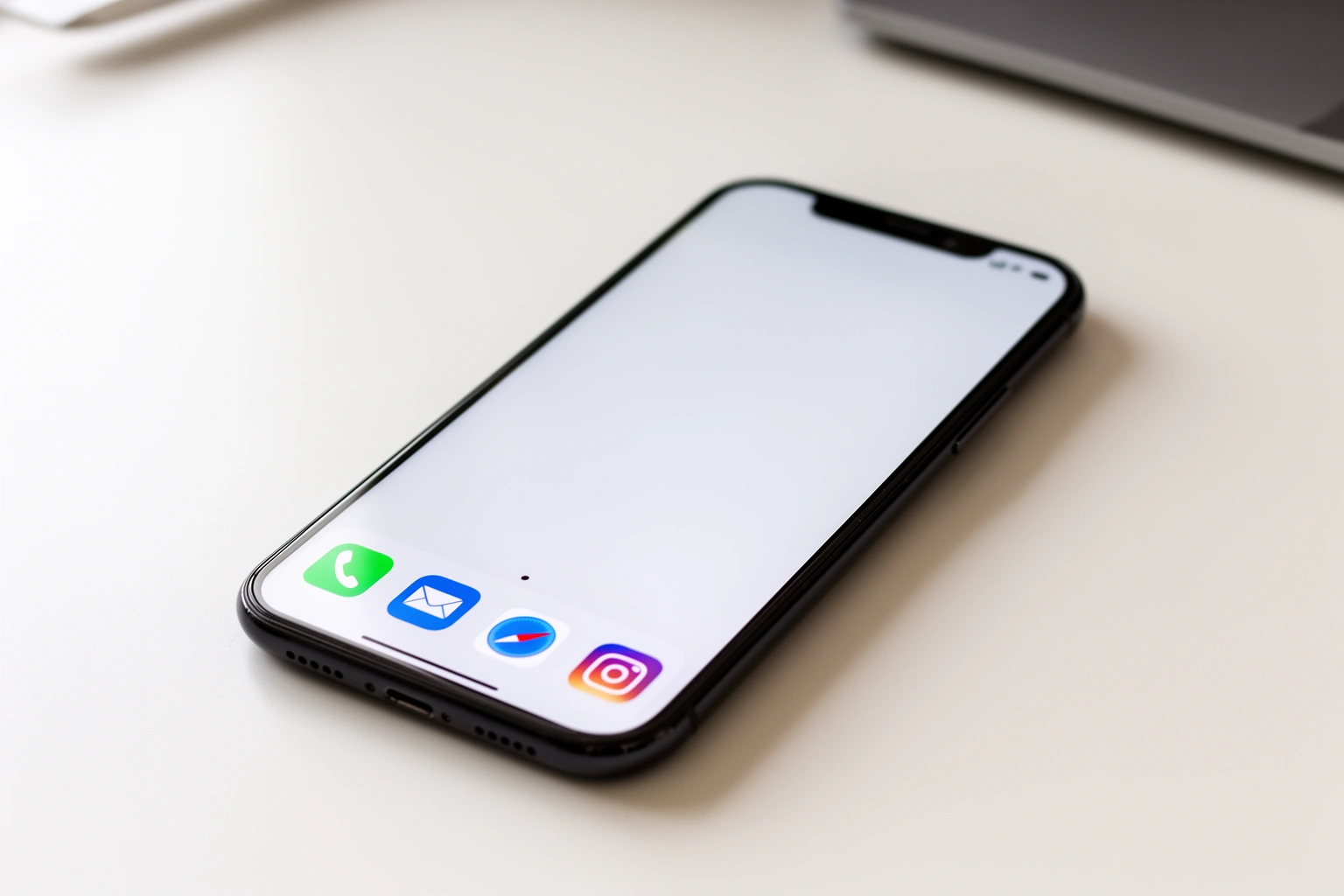
The average person carries around 83 bookmarked websites, a handful of open browser tabs, hundreds of saved photos, and more than a dozen apps they never actually use. Digital clutter doesn’t take up physical space, but it occupies real mental bandwidth, making focus and decision-making harder than they need to be. This guide breaks digital decluttering into small, manageable steps instead of one overwhelming weekend project.
Start With What Actually Stresses You Out
Digital clutter is personal, and identifying which specific digital mess causes real stress, rather than blindly following a generic checklist, produces a decluttering plan that actually sticks. What bothers one person may not register at all for someone else.
An email inbox with 30 unread messages might feel unbearable to one person while someone else has never archived a single email and feels completely fine about it. The goal isn’t matching someone else’s system, it’s identifying the specific digital noise that’s actually competing for attention day to day.
Spending a few minutes reflecting on which apps, notifications, or cluttered screens create the most friction narrows the entire project down to what genuinely matters, rather than trying to overhaul everything at once.
Clear the Browser Before Tackling Anything Else
Closing excess browser tabs and pruning saved bookmarks is one of the fastest, lowest-effort digital decluttering wins available, and it’s a natural starting point before moving to bigger projects like file storage. Browsers tend to accumulate clutter faster than almost anything else on a device.
Ten or more open tabs sitting untouched for days is a common pattern, and closing them removes a persistent, low-level distraction every time the browser opens. Reviewing saved bookmarks and deleting ones that no longer matter takes only a few minutes but immediately reduces visual noise.
Working through browser and social media clutter first serves as an easy warm-up before tackling the more involved work of reorganizing an entire computer’s file system.
Delete Apps Before Reorganizing Them
Uninstalling unused apps and turning off notifications for non-essential ones reduces both visual clutter and the constant low-grade demand for attention that comes from every app competing for a glance. Deletion should come before any reorganizing effort.
A home screen limited to only the most-used apps, with everything else tucked into a general app list rather than nested folders, creates a more intentional relationship with a phone. Some people find that removing folders entirely and keeping the home screen sparse works better than organizing apps into categorized groups.
Reviewing subscriptions tied to unused apps during this process is worth the extra few minutes, since it’s common to keep paying for services that stopped adding value long ago.
Build One Consistent Folder Structure Across Every Platform
Using the same simple folder names, like Personal, Work, and Research, across a computer, cloud storage, and note-taking apps makes files findable regardless of which device or platform they’re stored on. Inconsistent organization across platforms is one of the most common sources of ongoing digital frustration.
Starting with just a handful of broad folders, rather than an elaborate, deeply nested structure, keeps the system usable long-term. Overly complicated folder architecture tends to collapse within a few weeks because it takes too much effort to maintain.
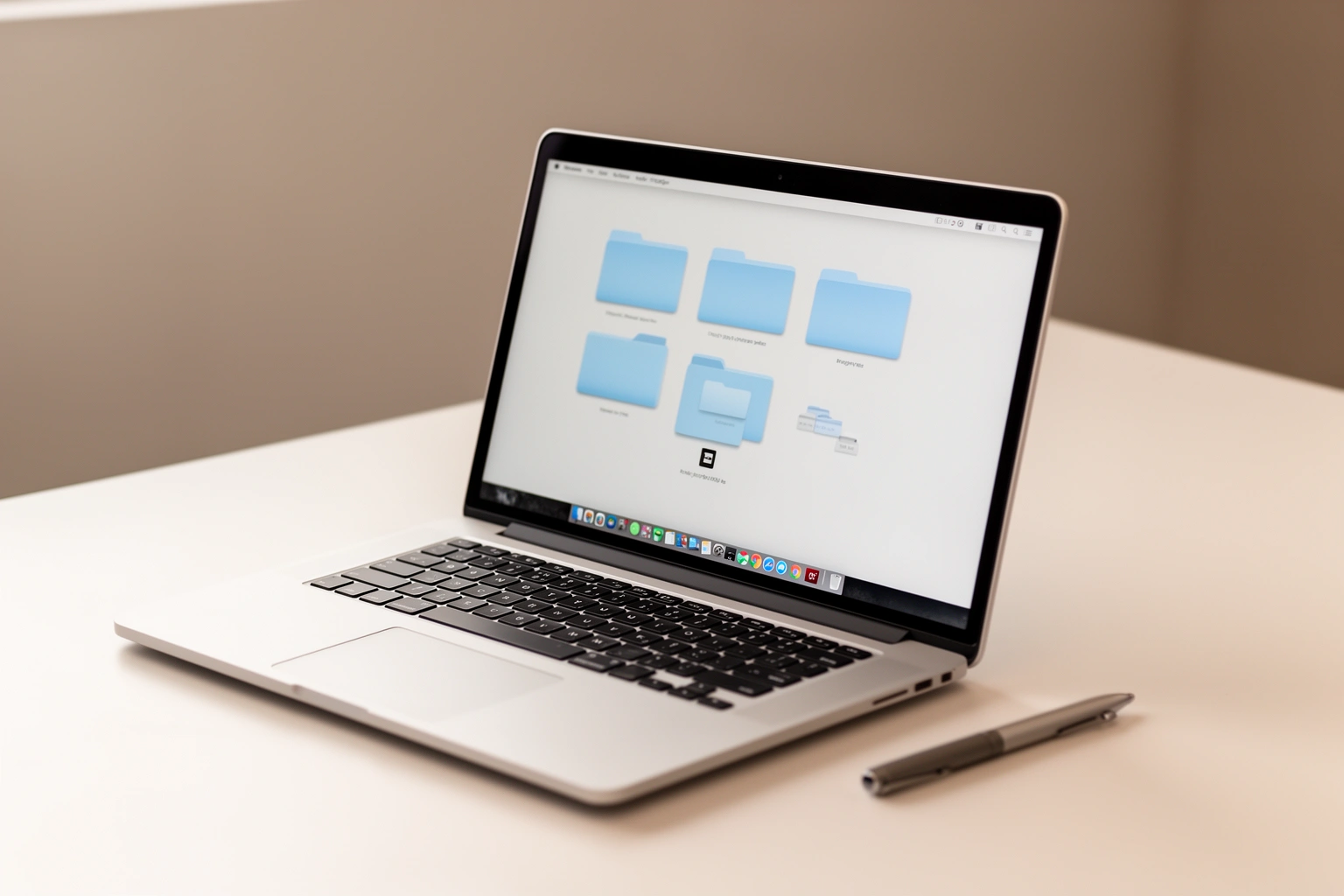
A consistent file naming convention, starting with the date in year-month-day format followed by a short description, makes searching for a specific document dramatically faster than relying on memory or scrolling through folders.
Tame the Inbox Without Deleting Everything
Creating a small number of labeled folders or labels in an email client, then archiving messages into them rather than deleting everything, clears the inbox without losing anything that might be needed later. Archiving preserves searchability while removing visual clutter from the main view.
A single catch-all “Archive” label works as a low-effort starting point for anyone overwhelmed by the idea of sorting years of email into detailed categories. Everything moves out of the inbox immediately, and specific messages can still be found through search whenever they’re actually needed.
Unsubscribing from spam or unwanted newsletters the moment they arrive, rather than deleting them repeatedly, meaningfully reduces the volume of new clutter arriving daily within just a few months of consistent effort.
Back Up Everything Before Deleting Anything
Setting up both a physical and cloud backup before starting any deletion process protects against permanently losing files that later turn out to matter. This step should happen first, not as an afterthought.
An external hard drive paired with an online backup service covers both a local and offsite copy of important files, protecting against hardware failure and accidental deletion at the same time. Only after backups are confirmed working does it make sense to start deleting old documents, outdated screenshots, or duplicate photos with real confidence.
This backup-first approach also removes the anxiety that often stalls a digital declutter before it even begins, the fear of deleting something important by mistake.
Anyone who’s already built a bit of quiet, screen-free reflection into their week through something like how to start journaling without overthinking it already has a head start here, since both practices share the same underlying goal: less noise competing for attention.
Spread the Work Over Weeks, Not One Overwhelming Day
Breaking a digital declutter into small, focused sessions across several weeks makes the project far more manageable than attempting to overhaul an entire digital life in one sitting. A staged approach also allows time to actually think through what to keep rather than rushing decisions.
| Week | Focus Area |
|---|---|
| Week 1 | Browser tabs, bookmarks, social media |
| Week 2 | Phone apps, notifications, subscriptions |
| Week 3 | Computer files, folder structure, backups |
| Week 4 | Email inbox, passwords, maintenance habits |
That’s the average amount of digital clutter one survey found the typical person carries, offering a useful benchmark for what “normal” clutter actually looks like.
Maintain It With Small, Regular Check-Ins
Short, recurring decluttering sessions, ten minutes weekly or monthly, prevent digital clutter from rebuilding to its original overwhelming state. Maintenance is far less effort than a full second overhaul later.
Brief pockets of dead time, waiting for an elevator, during a commute, work surprisingly well for quick digital tidying like deleting unwanted photos or clearing notifications. Pairing decluttering with a relaxing activity already in progress, watching TV or listening to a podcast, makes the task feel less like a chore.
Readers who enjoy this kind of practical, low-effort approach to reducing everyday overwhelm can find more realistic guidance on AestheticPFPs, where small, sustainable habits get the same straightforward treatment as digital decluttering.
Frequently Asked Questions
What’s the easiest first step in digital decluttering?
Closing excess browser tabs and pruning saved bookmarks is one of the fastest, lowest-effort digital decluttering wins, usually taking only a few minutes to complete.
Do I need to delete old emails to declutter my inbox?
No, archiving into a small number of labeled folders removes clutter from the main inbox view while keeping everything searchable, without permanently deleting anything.
How do I back up my files before starting a digital declutter?
Setting up both a physical backup, like an external hard drive, and a cloud backup service protects against permanently losing files before any deletion process begins.
How long should a digital declutter take?
Spreading the project across several weeks, focusing on one area like browser tabs or phone apps at a time, makes digital decluttering far more manageable than attempting it all in a single day.
What’s the best way to organize digital files consistently?
Using the same simple folder names, like Personal, Work, and Research, across a computer, cloud storage, and note-taking apps makes files easier to find regardless of platform.
How often should digital decluttering be repeated to maintain results?
Short, recurring sessions of about ten minutes weekly or monthly prevent digital clutter from building back up to an overwhelming level.