Simple Explanation of How Face Filters Work

Every time a phone camera adds puppy ears, sparkles, or a subtle skin smoothing effect that tracks perfectly as a face moves, several distinct technologies are working together behind the scenes. Face filters combine computer vision, geometry, and augmented reality into a process that runs in real time, dozens of times per second. Here’s a simple breakdown of what’s actually happening.
Step One: The Camera Has to Find a Face First
Before any filter effect can be applied, the software must first detect that a face is present in the frame, a process that works by scanning the image for recognizable color and contrast patterns. This detection step happens before anything visually interesting occurs on screen.
Classic face detection systems, including the widely used Viola-Jones algorithm, work by converting the image to grayscale and looking for telltale contrast patterns, like the way the eye area is typically darker than the surrounding cheek, or how the bridge of the nose tends to be lighter than nearby skin. The algorithm essentially starts by hunting for eyes, then checks nearby regions for a mouth, nose, and eyebrows to confirm it’s genuinely looking at a face.
This entire detection process happens in a fraction of a second, and modern apps run it continuously on every single video frame, which is part of why filters can keep up with a face that’s actively moving around.
Step Two: Mapping Landmarks Across the Face
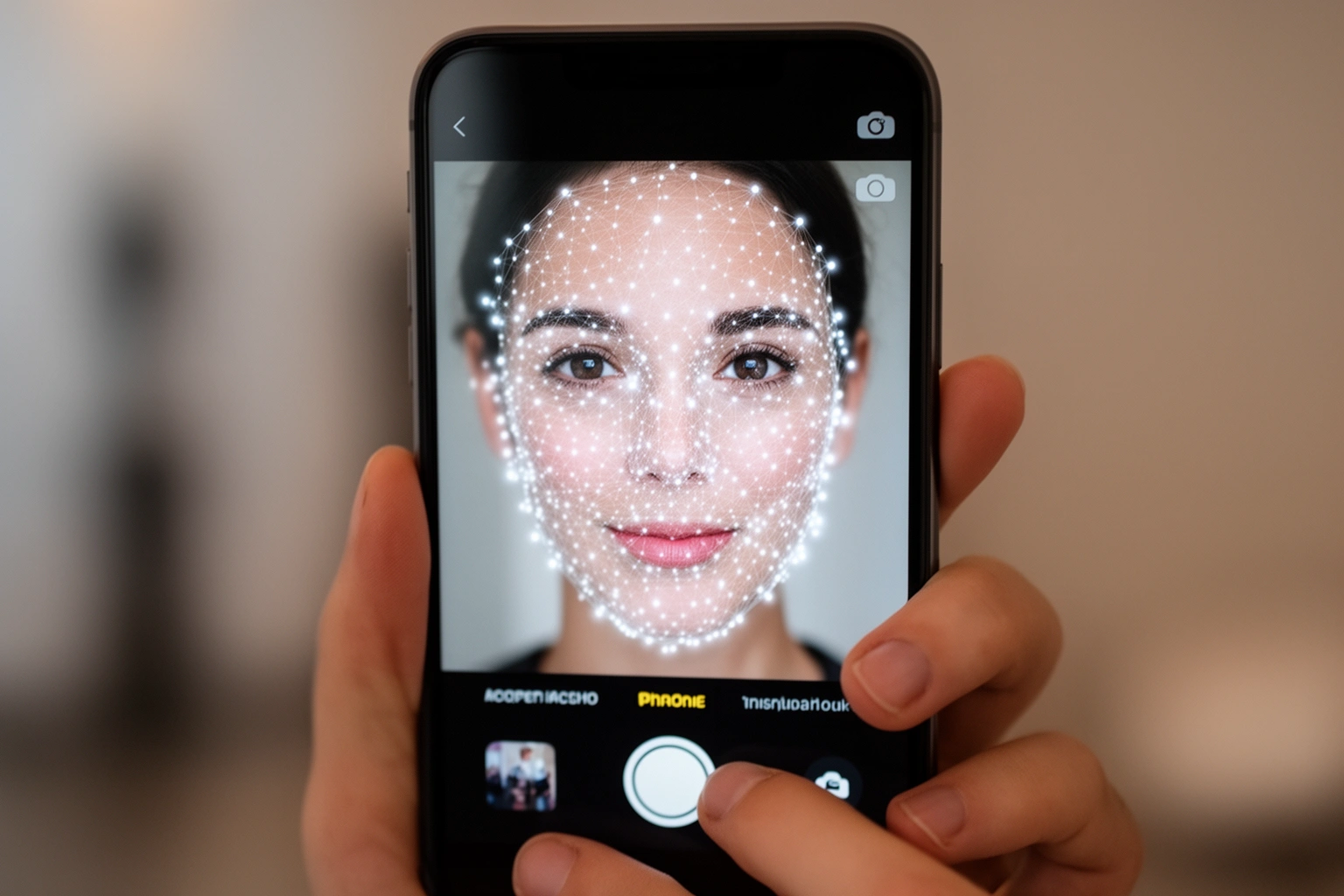
Once a face is detected, the system identifies dozens or even hundreds of specific landmark points, corners of the eyes, edges of the lips, the tip of the nose, that together sketch out the unique shape of that particular face. These landmarks function as reference coordinates for everything that happens next.
Some modern systems, like Google’s Mediapipe, track as many as 468 individual landmarks across a single face, giving filters an extremely detailed map to work with. More landmarks generally allow for more precise, natural-looking effects, though tracking too many points also increases the computational load, which matters for keeping everything running smoothly in real time.
These landmarks act like a skeleton for the face. Just as a body’s skeleton determines how skin and muscle move together, these tracked points determine how any applied filter should stretch, shift, and deform as the underlying face changes expression or angle.
Step Three: Building a 3D Mesh
The 2D landmark points get converted into a 3D mesh, a flexible digital wireframe that approximates the actual shape and depth of the user’s face rather than treating it as a flat image. This mesh is genuinely where the visual transformation happens.
Using a technique called Delaunay triangulation, the landmark points get connected into a set of small, non-overlapping triangles covering the entire face. This triangulated structure is what allows a filter graphic to bend and warp precisely along the real contours of someone’s specific face rather than just sitting on top of it like a flat sticker.
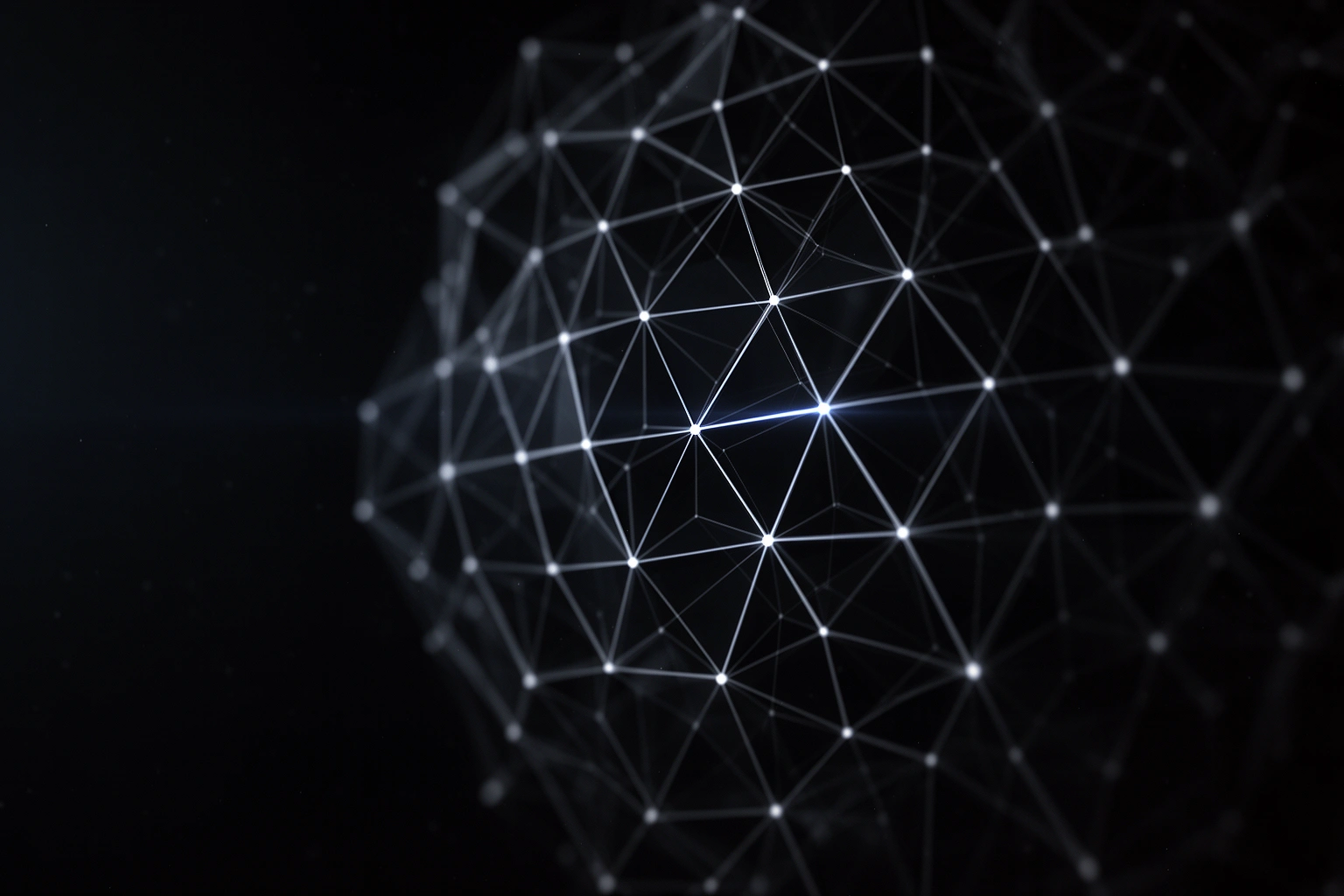
Each triangle in this mesh can be individually distorted, colored, or covered with part of a graphic. Applying a filter essentially means mathematically transforming each of these tiny triangles from the filter’s reference shape onto the corresponding triangle on the user’s real face.
Step Four: Tracking the Face in Real Time
The mesh and any applied effects must continuously update alongside the live video feed, meaning the entire detection-to-rendering pipeline runs dozens of times per second to keep the filter locked onto a moving face. Without this constant tracking, even a small head turn would break the illusion instantly.
This tracking isn’t flawless. Effects can occasionally glitch or disappear when someone turns sharply to the side, since the system may briefly lose confidence in exactly where key landmarks have moved. Filters also have to account for occlusion, situations where part of the face or an added accessory gets blocked from view, like a hat filter needing to hide the portion of the hat that would logically sit behind the back of someone’s head.
Beauty Filters Work the Same Way, Just More Subtly
Beauty filters rely on the exact same facial mesh and landmark tracking technology as cartoonish filters, but apply far more subtle adjustments like skin smoothing, jawline slimming, or targeted color correction instead of adding obvious graphics. The underlying mechanics are identical, only the intensity and visibility of the changes differ.
These filters often perform sophisticated color grading similar to professional film production, independently adjusting hue, saturation, and brightness values, reducing yellow undertones, and enhancing perceived skin clarity through targeted contrast adjustments. Some advanced systems use guided filtering that analyzes existing skin texture before smoothing, preserving enough natural variation that the result looks like clear skin rather than an obviously artificial, plastic finish.
Geometric reshaping works through the same triangulated mesh, subtly shifting specific vertices to narrow a nose, enhance cheekbones, or enlarge eyes, changes precise enough to be difficult to spot at a glance, even though they’re built on the identical underlying technology as an obvious cartoon filter.

The Same Technology Now Extends Beyond Faces
The augmented reality technology behind face filters, real-time detection, mesh tracking, and image overlay, has expanded into shopping applications like virtual makeup try-ons, furniture placement previews, and even eyewear fitting. Faces were simply the first, most viral application of a much broader technology.
This mirrors how underlying technical systems often power surprisingly different-looking applications, a pattern also seen in why AI chatbots sometimes sound so human, where the same core machine learning techniques adapt to wildly different use cases depending on the specific training and application.
The Full Pipeline at a Glance
Breaking the process into its core stages makes it easier to see how a filter goes from an idle camera to a fully tracked, animated effect within milliseconds. Each stage depends on the one before it.
| Stage | What Happens |
|---|---|
| Face detection | Scans for contrast patterns to confirm a face is present |
| Landmark mapping | Identifies key points like eyes, nose, and lips |
| 3D mesh construction | Builds a triangulated wireframe of the face |
| Filter application | Warps or overlays graphics onto the mesh |
| Real-time tracking | Updates the mesh dozens of times per second as the face moves |
That’s how many individual points some modern face-tracking systems can map across a single face, giving filters an extremely detailed structure to work from.
Why Understanding This Matters
Knowing that beauty filters and cartoonish filters run on identical underlying technology helps put both in perspective: the subtle ones aren’t magic, they’re the same mesh-based system applied with a much lighter, less obvious touch. That knowledge alone can be a useful reality check when scrolling through heavily filtered photos online.
Readers curious about more of the everyday technology working quietly behind familiar apps can find additional explainers on AestheticPFPs, where tech topics get the same clear, approachable treatment as everyday lifestyle questions.
Frequently Asked Questions
How does a face filter know where your face is?
Face filters use a facial detection algorithm to scan an image for contrast patterns, like the eyes being darker than the cheeks, to confirm a face is present before applying any effects.
How many points does a face filter track on your face?
Some modern face-tracking systems, like Google’s Mediapipe, can map up to 468 individual landmark points across a single face for highly precise tracking.
What is the 3D mesh used in face filters?
Landmark points are connected using Delaunay triangulation to build a 3D mesh, which allows filter graphics to bend and warp precisely along the real contours of a person’s face.
Do beauty filters use different technology than fun cartoon filters?
Yes, beauty filters use the same facial mesh and landmark tracking technology as cartoon filters, but apply far more subtle adjustments to skin, color, and facial proportions.
Why do face filters sometimes glitch when you move your head?
Effects can glitch or disappear when someone turns sharply to the side because the system briefly loses confidence in exactly where key landmarks have moved.
Is the same technology behind face filters used for anything besides social media?
Yes, the same real-time detection, mesh tracking, and overlay technology now powers virtual makeup try-ons, furniture placement previews, and eyewear fitting apps.